


Design
Enterprise UI Design: Why Quiet Interfaces Age Better
Enterprise interfaces are used repeatedly, often for years. Restraint in motion, colour, density and hierarchy makes complex software easier to understand and maintain.
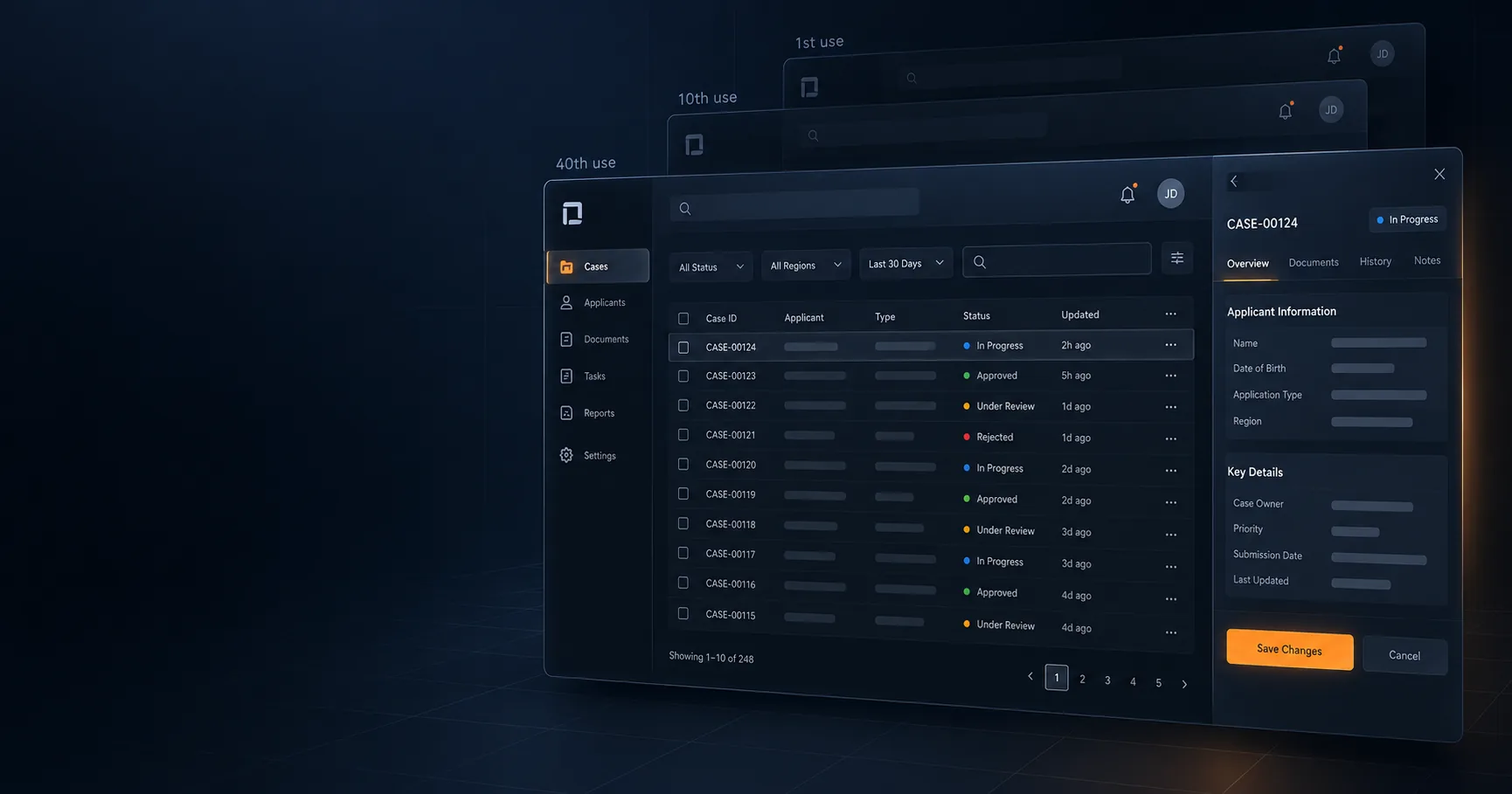
The enterprise interfaces I have seen age best are rarely the ones with the most animation, decoration or visual variety. They are the ones where hierarchy is obvious, interactions are predictable and the interface gets out of the way after the user understands it.
That matters because enterprise software is not experienced once. An immigration officer may work through the same case-management interface hundreds of times a week. A pension member may open an app repeatedly for one specific piece of information. The repeated experience is the real product.
Design enterprise UI for the fortieth use
Animation that feels polished during a design review can feel like latency after repeated daily use. This does not mean enterprise applications should have no motion. It means motion needs a job.
Use UI motion only when it communicates information
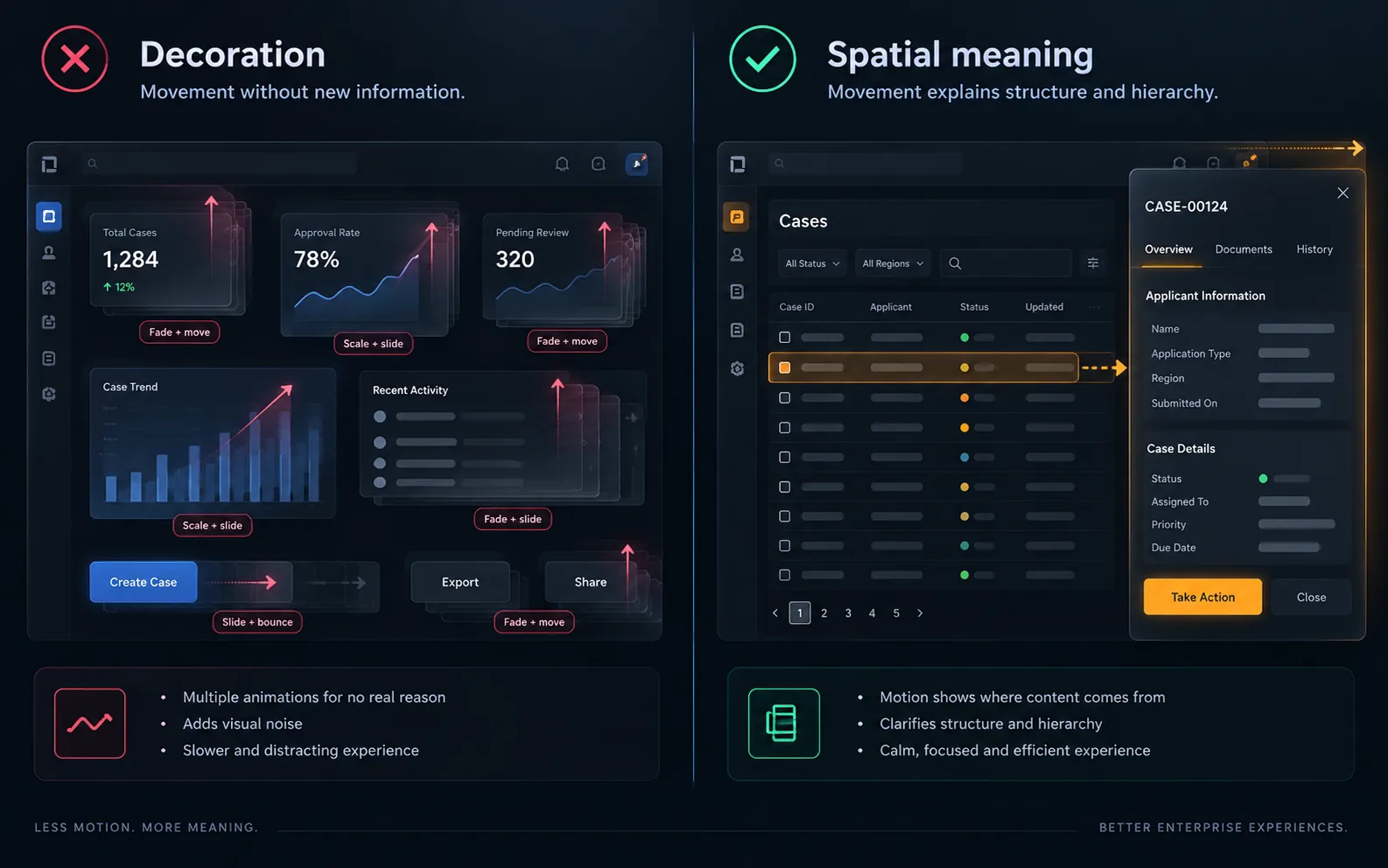
A panel sliding from the edge it will return to communicates spatial information. It tells the user where the panel came from and supports the mental model for dismissing it. A card fading upward simply because every card fades upward communicates much less.
Give your enterprise UI accent colour one job
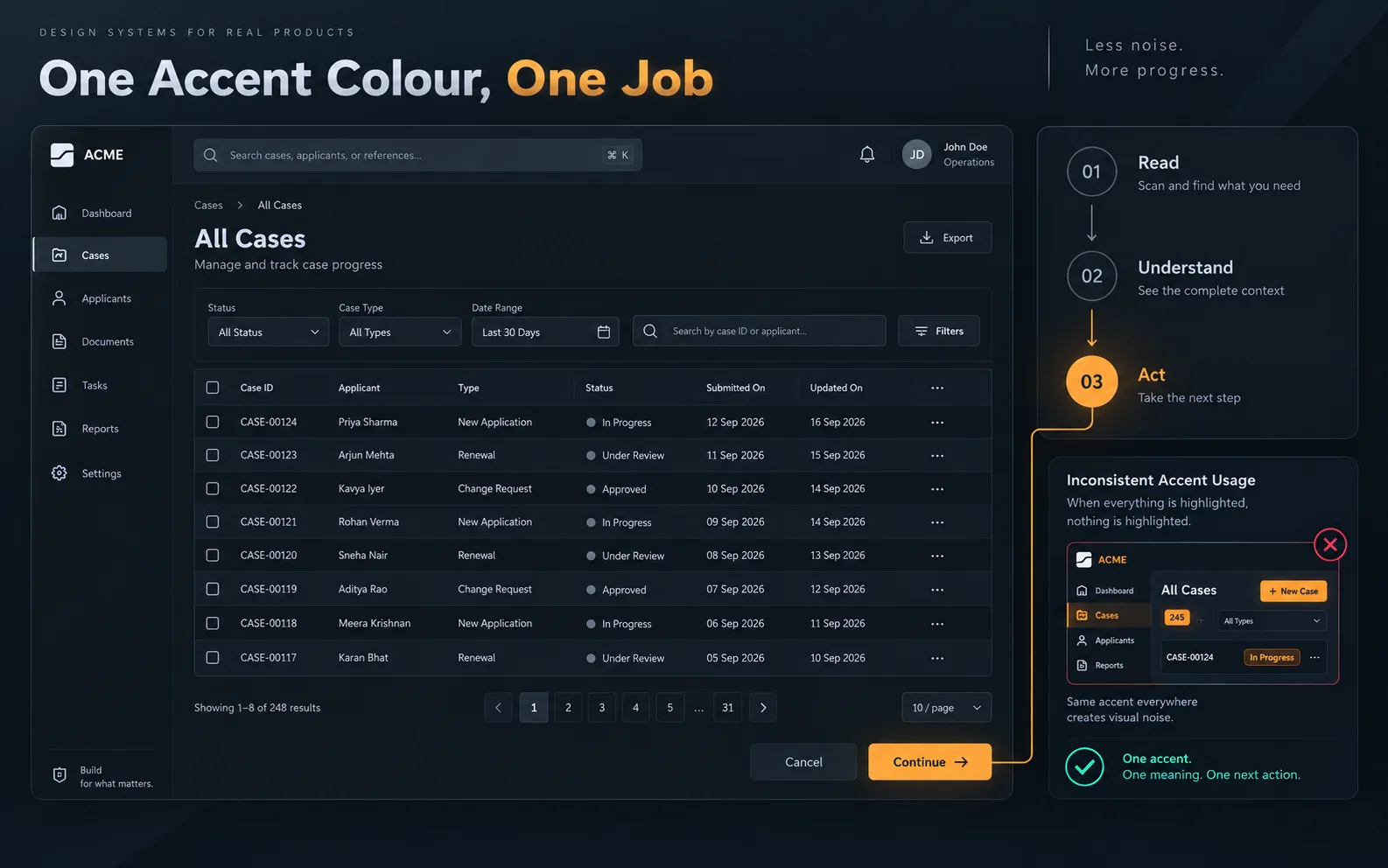
A consistent accent colour can become part of the product language. If it always identifies the next meaningful action, users learn that relationship quickly and carry it across screens.
The system becomes weaker when the same accent is also used for decorative headings, arbitrary emphasis and unrelated status information. Consistency reduces the amount of interpretation each new screen requires.
:root {
  --color-accent: oklch(0.72 0.17 48);
  --duration-ui: 160ms;
  --duration-section: 420ms;
  --ease-out-expo: cubic-bezier(0.16, 1, 0.3, 1);
}
Treat reduced motion as part of the default design
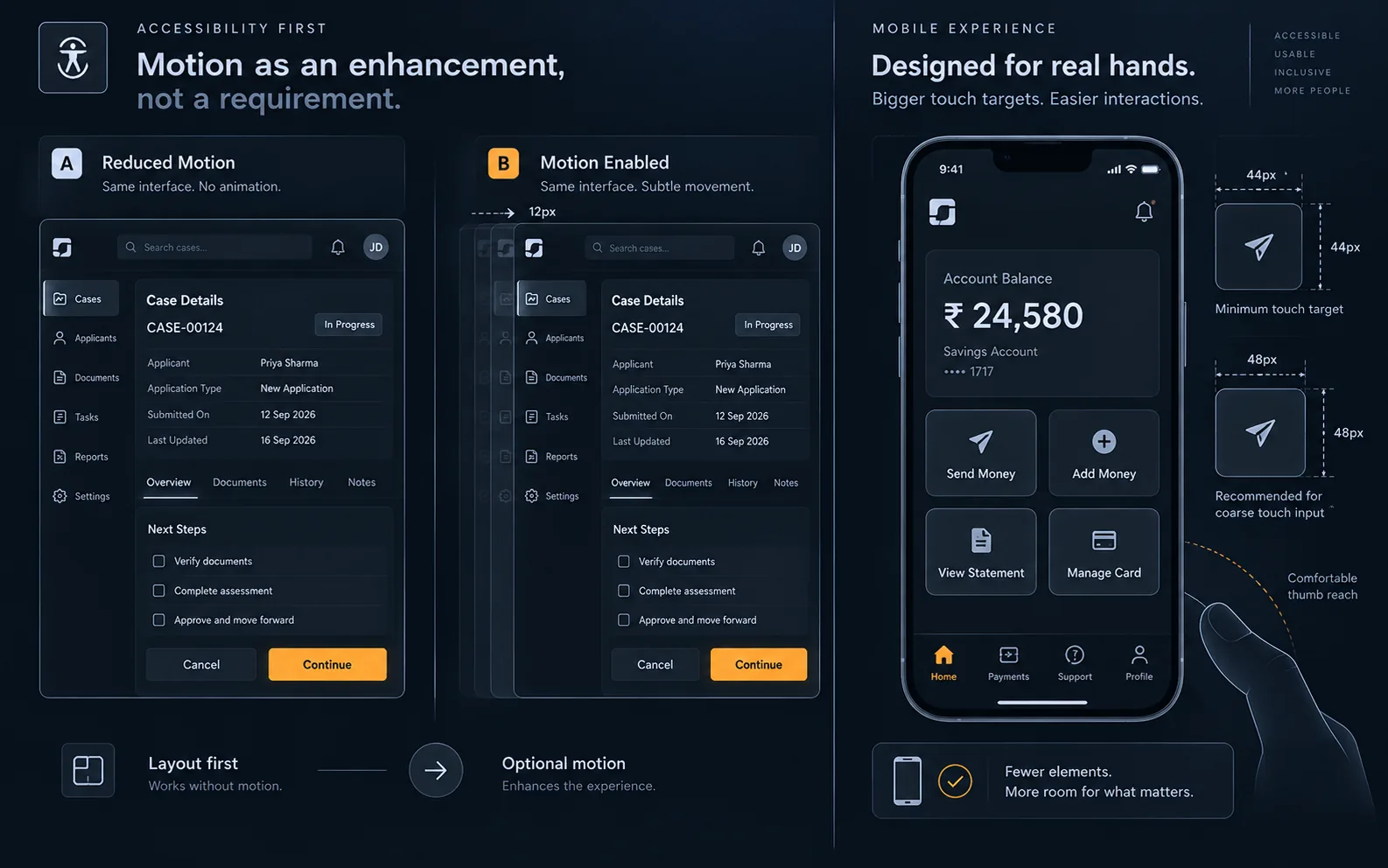
The interface should remain understandable when animation is unavailable. Reduced-motion preferences, older devices and constrained rendering environments all make that a practical requirement rather than an edge case.
.panel {
  transform: none;
  opacity: 1;
}
@media (prefers-reduced-motion: no-preference) {
  .panel {
    animation: panel-in var(--duration-section) var(--ease-out-expo);
  }
}
Enterprise mobile UI needs usable density
Restraint matters on mobile for a different reason: every decorative element consumes space that could have belonged to something the user needs to press, read or understand.
.control {
  min-height: 44px;
  min-width: 44px;
  display: inline-flex;
  align-items: center;
  justify-content: center;
}
@media (pointer: coarse) {
  .control {
    min-height: 48px;
    min-width: 48px;
  }
}
Why restrained enterprise interfaces are easier to maintain
The long-term advantage is not only visual. A restrained system has fewer arbitrary decisions. A new developer can infer a product with one accent rule, a small spacing system and three motion durations by inspecting a few screens.
When every screen introduces new colours, timings and interaction patterns, the interface system exists only in the memory of the people who originally built it. Restraint makes the product easier for users to learn and easier for future teams to maintain.
Keep reading
 Architecture
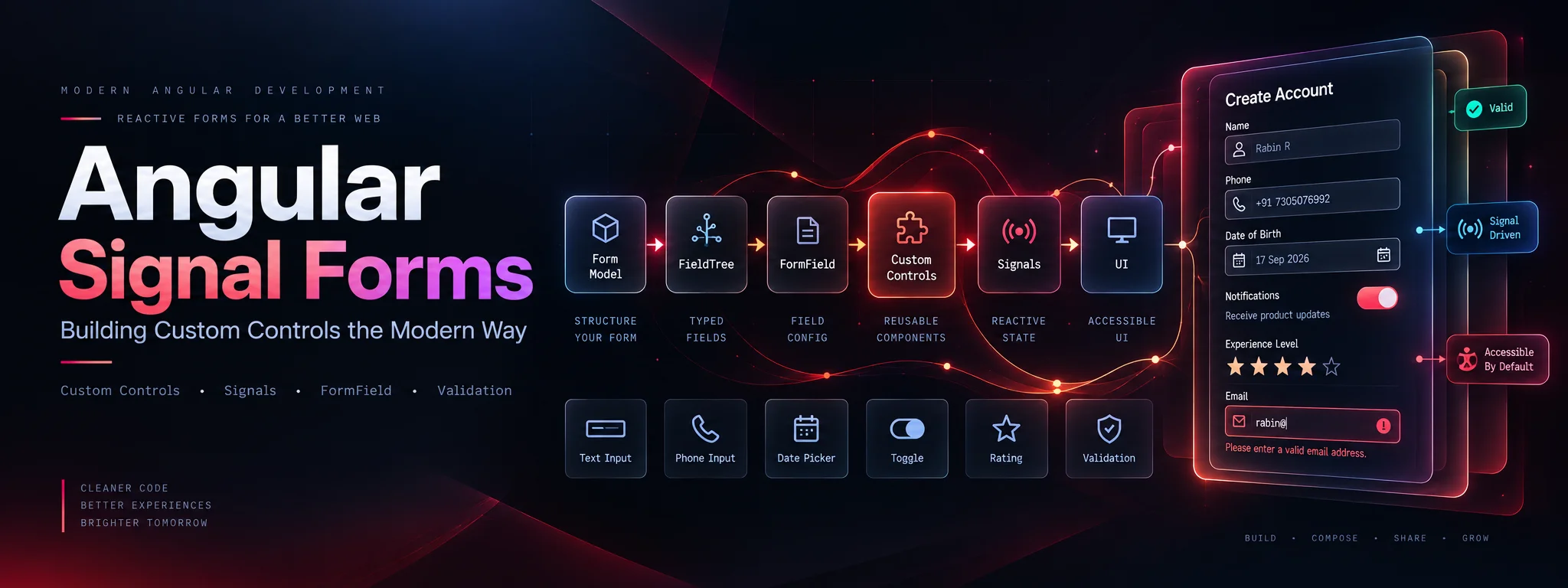
Angular Signal Forms: Building Custom Controls the Modern Way
Connect custom inputs, toggles, phone fields and rating controls to Angular Signal Forms with reusable validation schemas and clear ownership of form state.
 Architecture
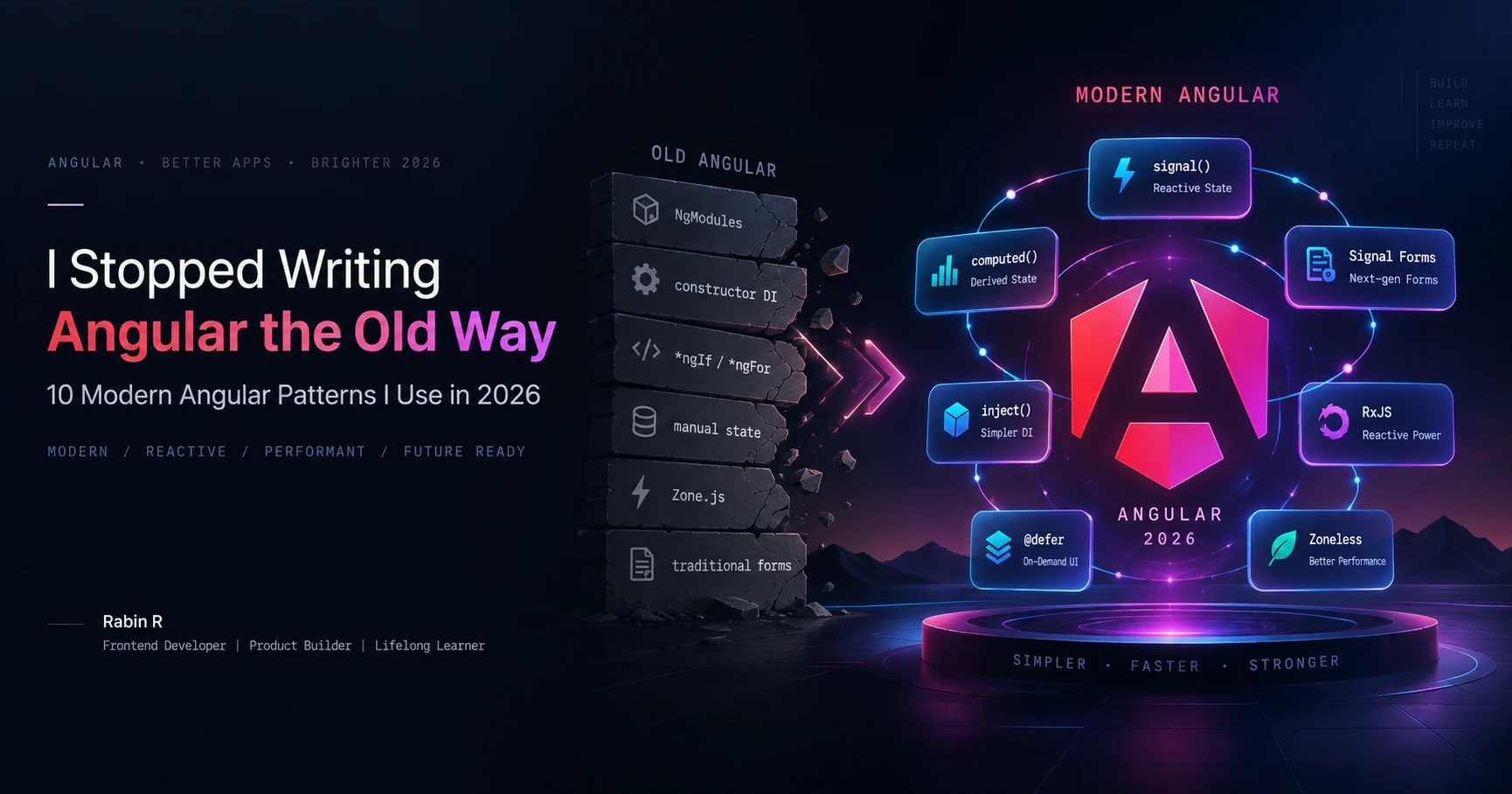
I Stopped Writing Angular the Old Way: 10 Modern Angular Patterns I Use in 2026
The modern Angular patterns I use in 2026, why I use them, and when I would choose something else. A practical guide to clearer state, dependencies, forms, rendering and feature architecture.