


Service 04
Ionic & Cross-platform Mobile Development in Chennai
iOS and Android from one Angular + Ionic codebase, including store builds, native APIs, and offline-aware behaviour.
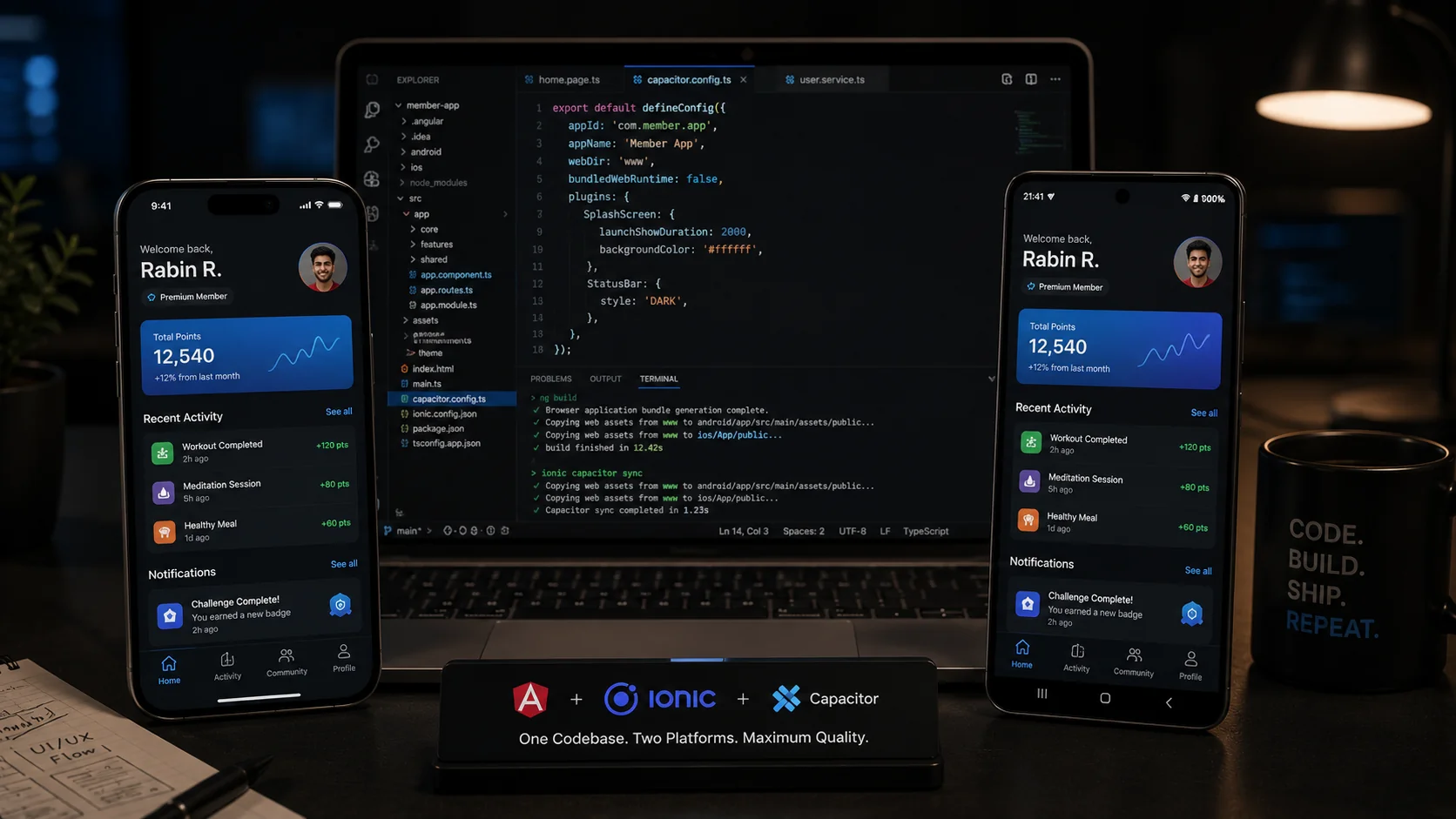
I build cross-platform mobile applications with Ionic, Angular and Capacitor — one codebase producing genuine iOS and Android apps that ship through the App Store and Play Store. The VNPF member app in Vanuatu is the clearest example: a pension member app used by people checking balances and statements on the devices they actually own, which are frequently not new and frequently on poor connections.
What you get
- Angular + Ionic
- Capacitor
- iOS and Android releases
- Native integrations
Ideal for: Member apps and field tools that must live on a phone.
The problem this usually solves
The usual situation is an organisation that already has a web platform and needs a mobile app, without the budget or the team to maintain two native codebases. The genuine question is whether cross-platform will be good enough, and the honest answer depends on what the app does. For content, forms, accounts, dashboards, statements and notifications — the shape of most institutional apps — it is not a compromise. For heavy real-time graphics or deep platform integration, it is the wrong choice and I will say so before we start.
The second problem is store delivery. Teams that have only shipped web are frequently surprised by what release actually involves: signing, provisioning, review cycles, staged rollouts, and the fact that a bad release cannot simply be reverted the way a deployment can.
How I build mobile
One Angular codebase, with Capacitor bridging to native capability where it is needed — biometric authentication, secure storage, push notifications, camera, file handling. Platform differences are handled deliberately at the points where iOS and Android genuinely differ rather than being papered over with a lowest common denominator that feels wrong on both.
Offline and poor connectivity are design inputs rather than error states. An app for members checking a balance has to behave sensibly when the network is slow or absent: cached data displayed with an honest indication of its age, queued actions that complete when connectivity returns, and failure messages that tell the user what to do. This is most of the difference between an app that feels solid and one that feels broken, and it is very hard to add later.
Performance targets are set against real devices, not a simulator on a fast laptop. The relevant question is how the app behaves on a mid-range Android handset several years old, because for a public-facing institutional app that is a large share of the actual users.
What working together looks like
Store delivery is part of the engagement. That means the build pipeline, signing and provisioning, store listings, review submission and the first release, plus the update path for subsequent ones. I would rather set this up correctly at the start than hand over an app that works locally and leave the hardest part undone.
Engagements are typically fixed scope for a first release, followed by a retainer for maintenance — because mobile has ongoing obligations that web does not. Operating systems update annually, store requirements change, and an app left untouched for a year will eventually be rejected or stop installing.
Questions before we start
For content, forms, accounts, dashboards and notification-driven apps, yes — users do not perceive a difference when it is built carefully. For heavy real-time graphics, intensive camera processing or deep platform integration, native is the right answer and I will tell you that rather than take the work.
Yes. Build pipeline, signing and provisioning, store listings, review submission and the first release are included, along with the process your team needs for subsequent updates.
Often substantially. If your web application is Angular, business logic, models, validation and API layers are frequently shared directly. The interface layer should be rebuilt for mobile rather than reused — a responsive web layout squeezed into an app is the most common reason cross-platform apps feel wrong.
Designed in from the start where the product needs it: cached data shown with its age, actions queued and completed when the connection returns, and clear messaging when something genuinely cannot proceed. Retrofitting offline behaviour into an app that assumed connectivity is close to a rewrite of the data layer.
For a typical account-and-content app with an existing backend, in the order of six to ten weeks to a store-ready first release, depending on the number of flows and how ready the API is. Store review itself adds days, occasionally longer for a first submission.
Further reading
- Quiet interfaces age better
Why restraint matters most in apps people are required to use every day.
- Offline is a design input, not an error state
Cached reads with an honest age, queued writes, and idempotent replay.