


Design
How I Approach UX Problems as a Product Designer
A better-looking interface is not automatically a better experience. My UX process starts by understanding why something is difficult before deciding what should be designed.
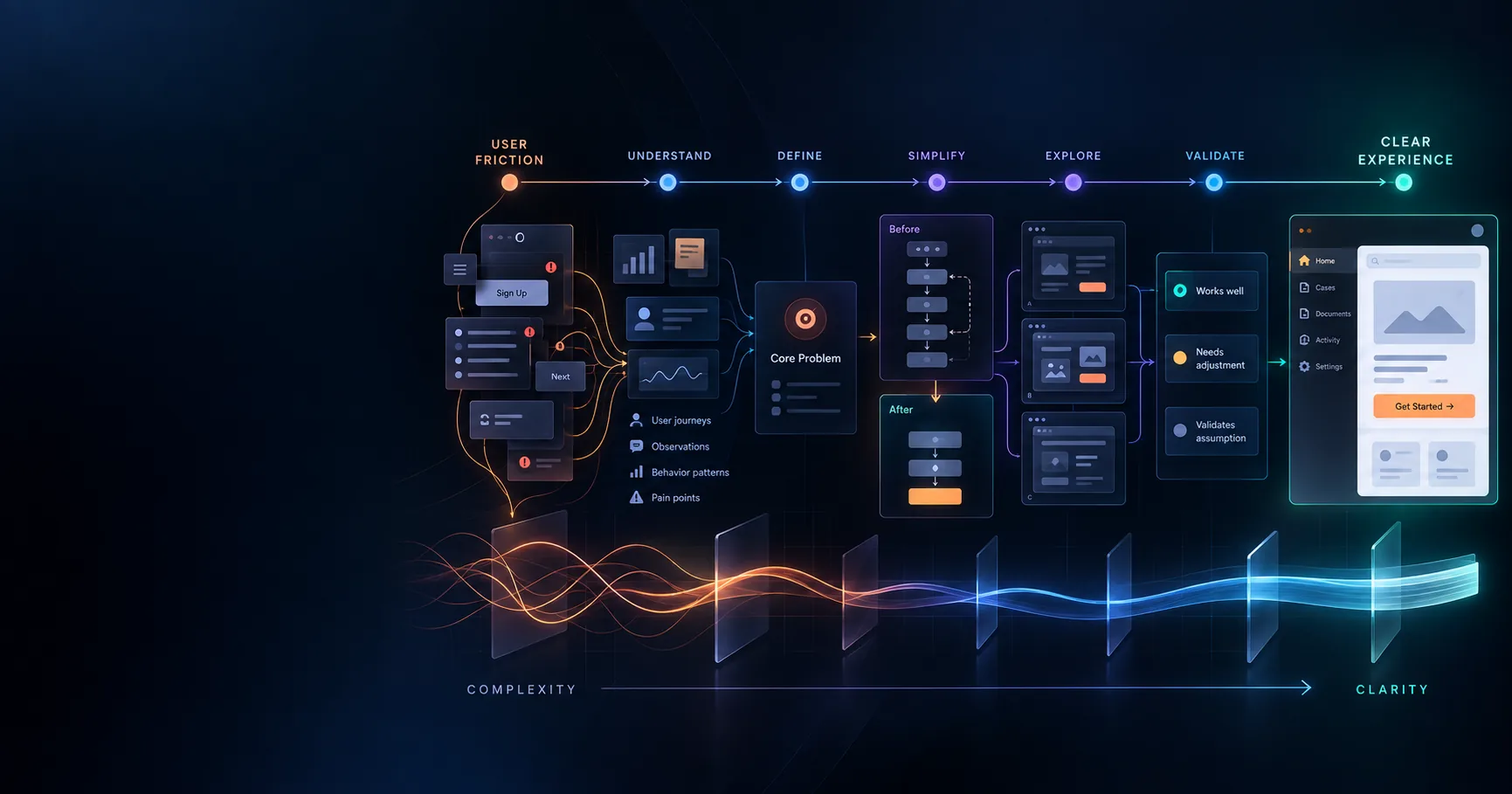
When I encounter a frustrating product experience, my first instinct is not to redesign the screen. I start by asking why the task is difficult for the user.
The problem may be visual, but it may also be an unnecessary step, unclear information, too many decisions, weak hierarchy or a workflow asking the user to understand something the product could have handled for them.
That question — what can I make easier? — is the starting point for how I approach UX problems.
1. Define the UX problem before opening Figma
Jumping directly into interface design makes it easy to improve the appearance of the wrong problem.
Consider a user searching for a 2BHK property. Hundreds of listings, overlapping filters, inconsistent pricing and several contact actions may initially look like a listing-card design problem.
The deeper problem could instead be helping someone confidently narrow hundreds of properties into a small set worth visiting. That framing changes the solution completely.
2. Review the experience like a first-time user
Product teams gradually learn how their own interface works. New users do not have that context.
I look for moments where a person has to stop and interpret what the product expects. In a cab-booking flow, questions such as whether the pickup location is exact, whether the fare is final or whether the destination can still be changed all create small amounts of uncertainty.
When users repeatedly have to ask “what happens next?”, the interface is transferring work from the product to the person.
3. Map the user journey and identify friction
Individual screens rarely explain the complete experience. I map the journey and pay particular attention to transitions between stages.
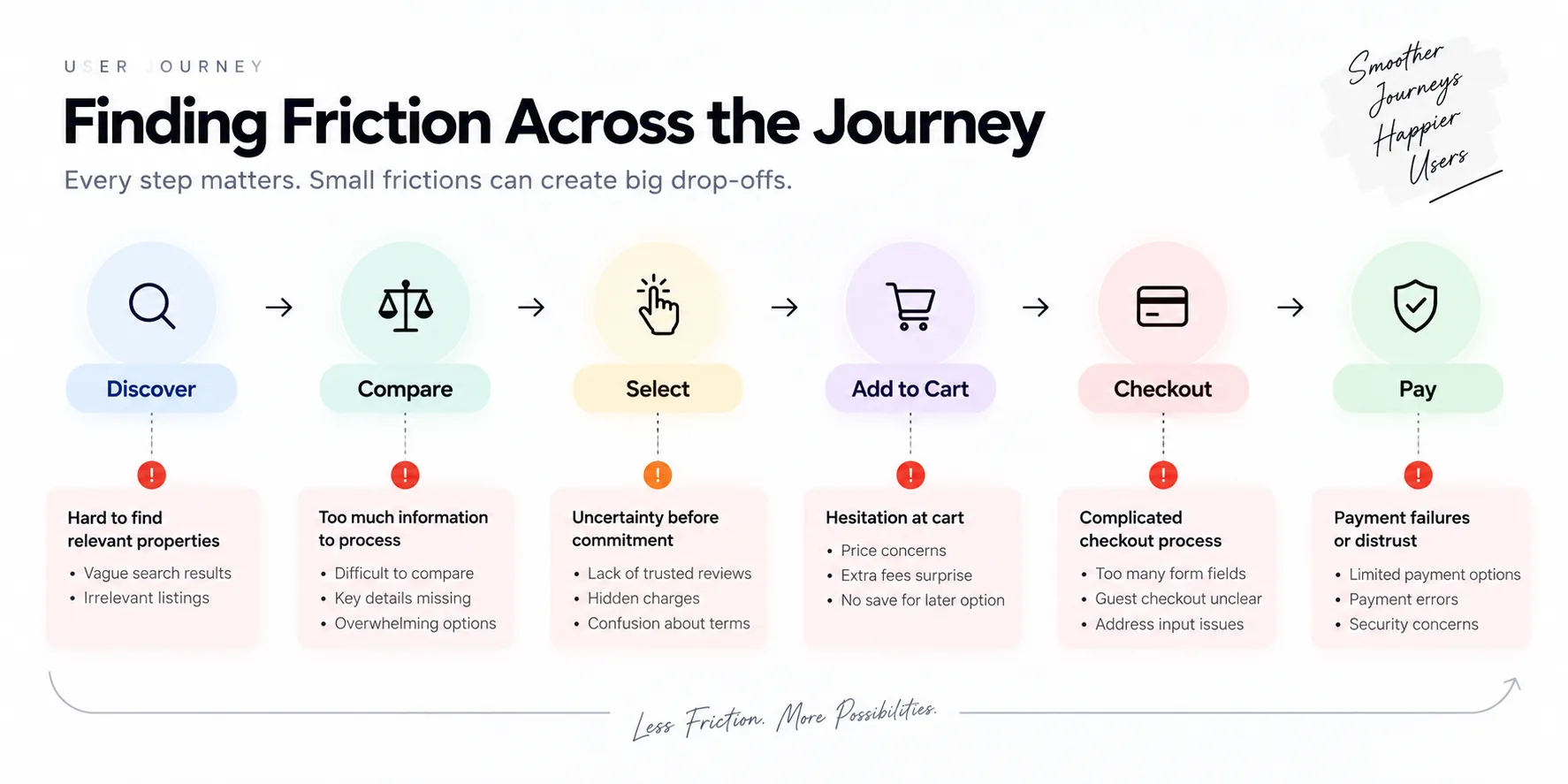
For an e-commerce journey, that might mean discover → compare → select → add to cart → checkout → pay. The important questions live between those stages: whether the user has enough information to continue, whether costs appear too late and whether the next action is obvious.
4. Simplify the UX before adding features
Adding another feature is not always the best response to a usability problem. Sometimes the strongest design decision is removing a decision the user should not have needed to make.
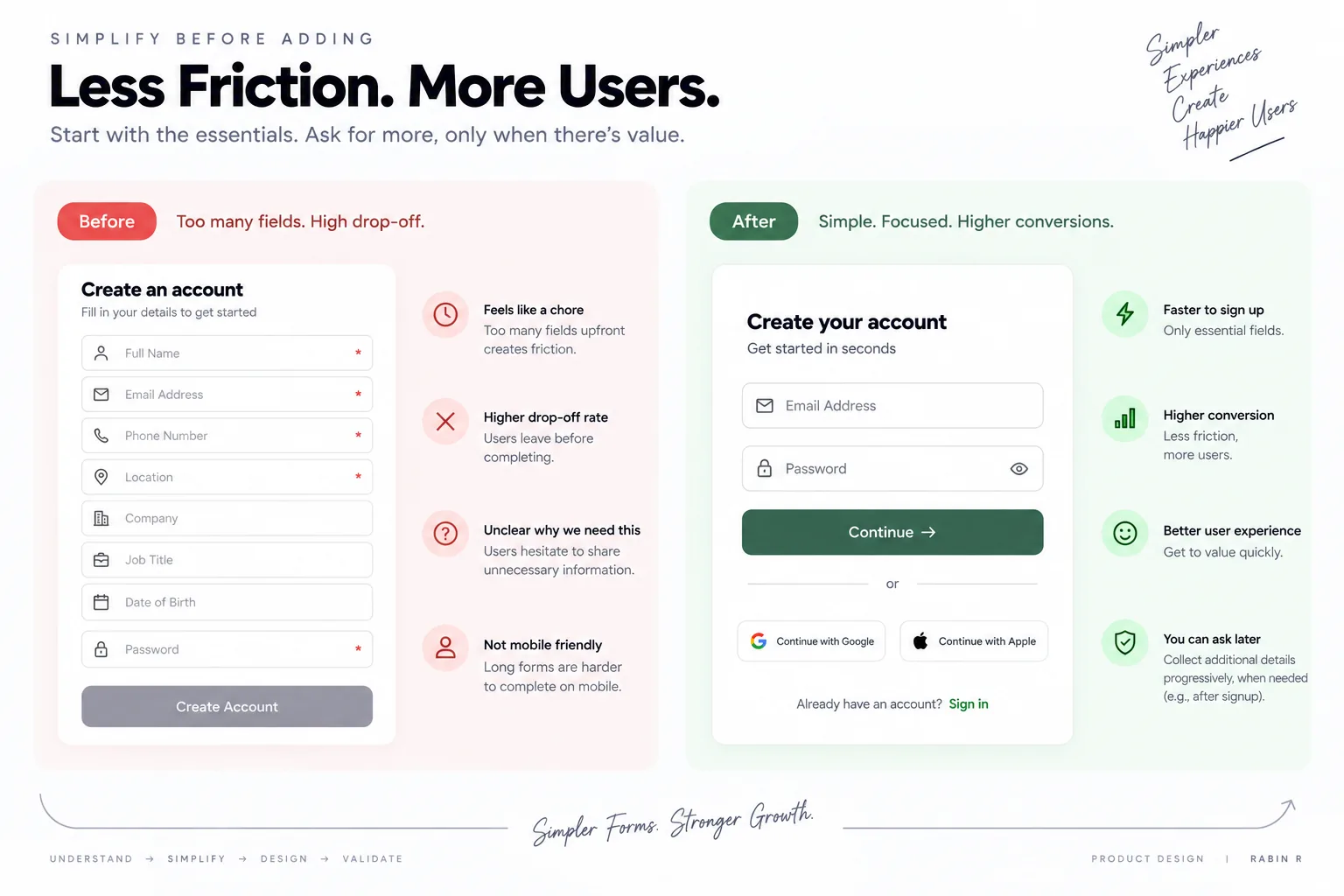
If account creation only requires an email and password, asking for phone number, company, job title, location and date of birth creates decisions before the user has received enough value to understand why those questions matter.
Before asking what should be added, I ask what can be removed, delayed or inferred.
5. Use familiar UX patterns intentionally
Established interaction patterns reduce learning cost. A heart icon already communicates save or wishlist in many consumer products. Replacing it simply to make an interface feel unique gives users another convention to learn.
The goal is not to copy competitors. It is to understand which conventions already carry meaning and decide whether breaking them creates enough value to justify the learning cost.
6. Explore multiple UX solutions
The first design idea is still an assumption. I prefer to explore several plausible approaches before investing heavily in one.
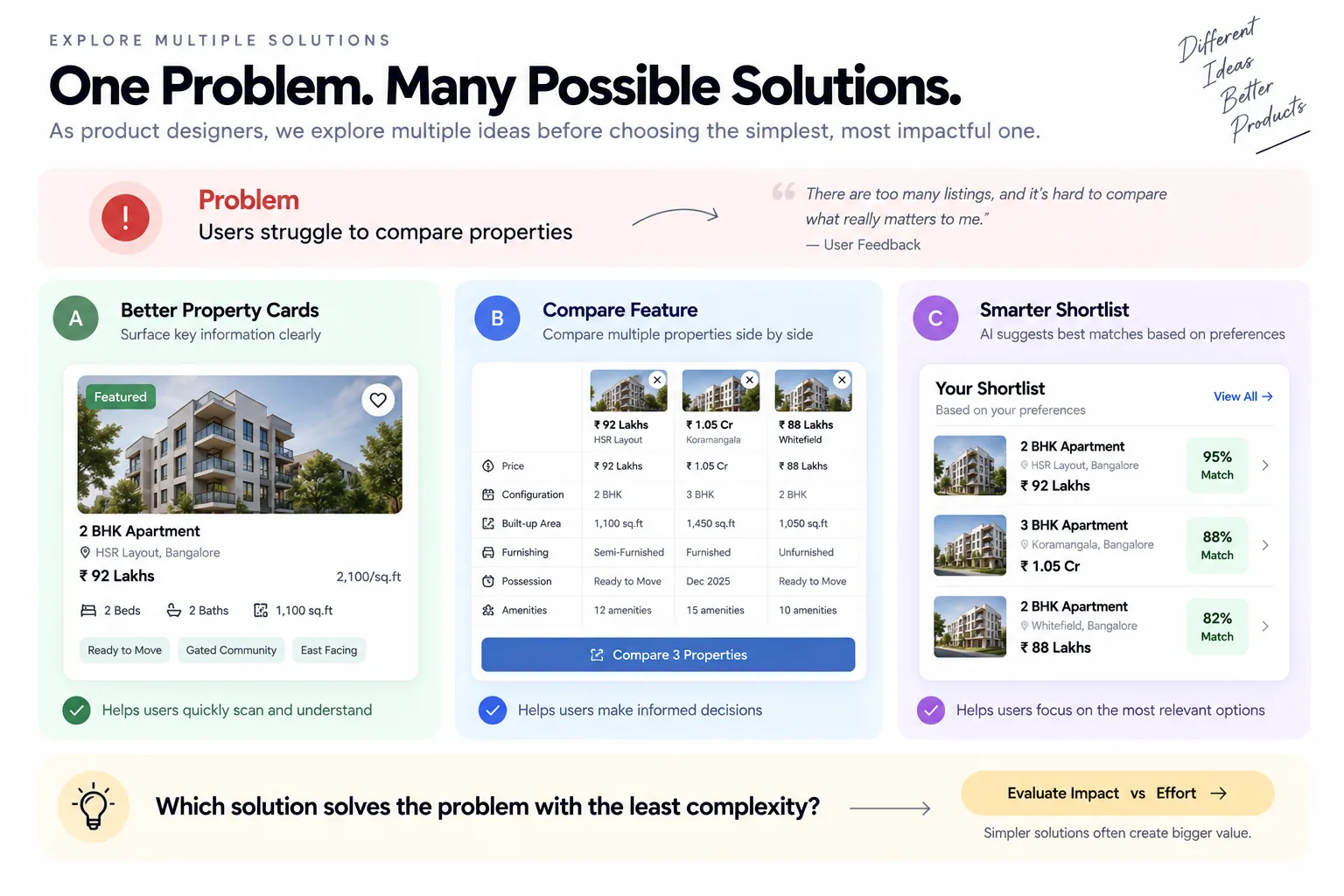
If users struggle to compare properties, possible solutions include improving card hierarchy, adding direct side-by-side comparison or making the shortlist more useful.
The decision should come from the problem, expected impact and implementation complexity rather than which mockup looks most impressive.
7. Validate the assumption and iterate
A polished prototype can still solve the wrong problem. If a team assumes users cannot find relevant properties, it may improve filters. Research may instead reveal that users find listings easily but do not trust the information inside them.
Validation can come from usability testing, user conversations, analytics, support feedback or controlled experiments. The method changes by project; the purpose does not.
The process is closer to understand → explore → design → validate → learn → iterate than design → polish → finish.
Product design is a sequence of decisions
The longer I work on products, the more I see product design as decisions rather than screens: what information appears first, what can be removed, where someone is likely to hesitate, what they need before committing and what the product can decide on their behalf.
When I open Figma, I do not want the first question to be what can I design. I want it to be what can I make easier.
Keep reading
 Architecture
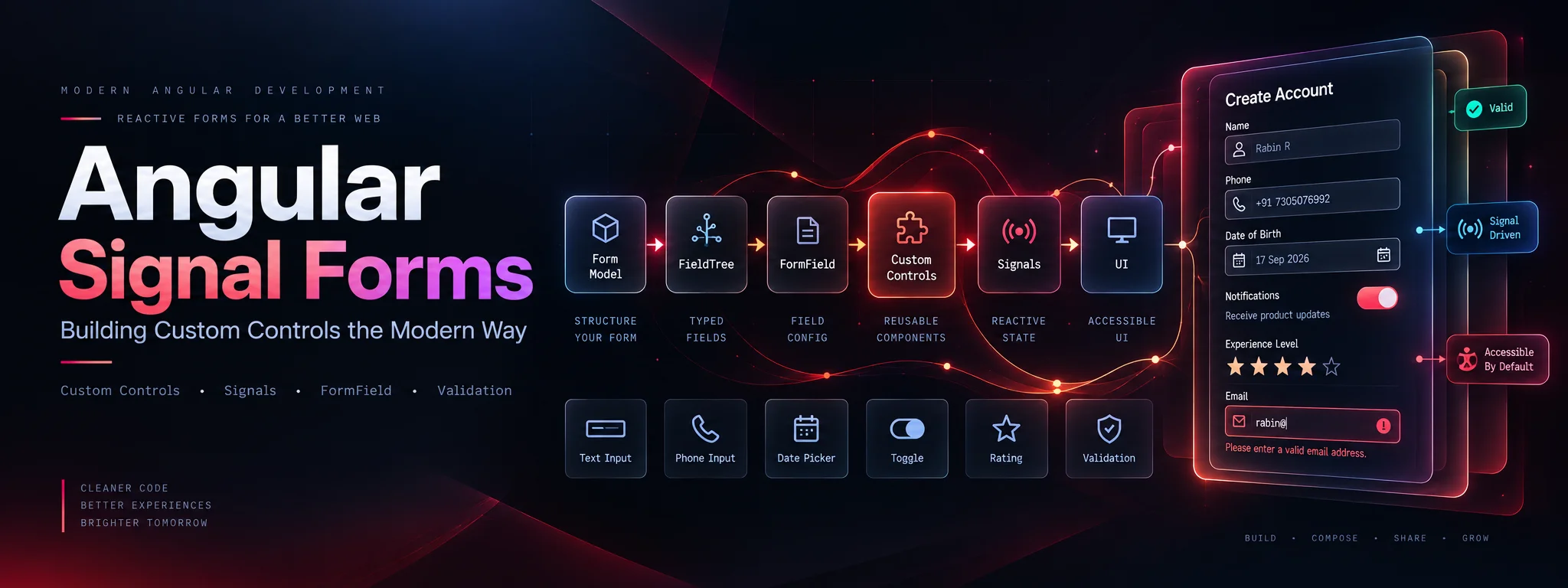
Angular Signal Forms: Building Custom Controls the Modern Way
Connect custom inputs, toggles, phone fields and rating controls to Angular Signal Forms with reusable validation schemas and clear ownership of form state.
 Architecture
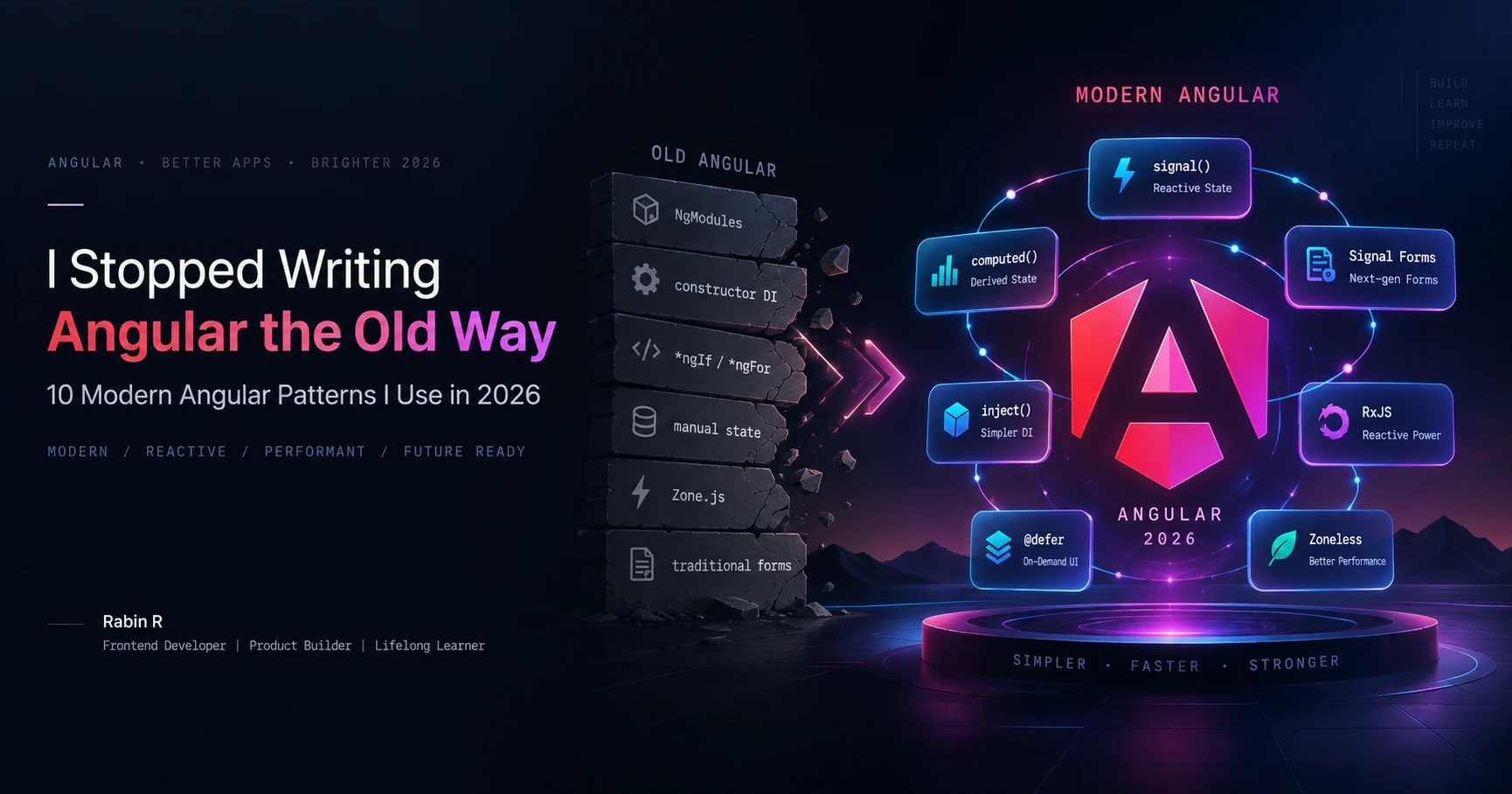
I Stopped Writing Angular the Old Way: 10 Modern Angular Patterns I Use in 2026
The modern Angular patterns I use in 2026, why I use them, and when I would choose something else. A practical guide to clearer state, dependencies, forms, rendering and feature architecture.